You have probably been there. You open ChatGPT, type a quick prompt like ‘Write me a Python function to read a CSV and calculate averages,’ and within seconds, clean, formatted code is staring back at you. You paste it in, hit run, and then: error.
ChatGPT Python code errors are more common than most developers admit out loud. The output looks confident. The syntax is tidy. But underneath the surface, things are wrong in ways that are not obvious until something breaks in production or, worse, silently produces incorrect results without raising a single exception.
This blog is a real developer’s account of what went wrong when relying on ChatGPT-generated Python, and more importantly, what to do about it. If you use AI tools to speed up your workflow, this is a must-read before your next copy-paste session.
1. The Hallucinated Library: Importing What Does Not Exist
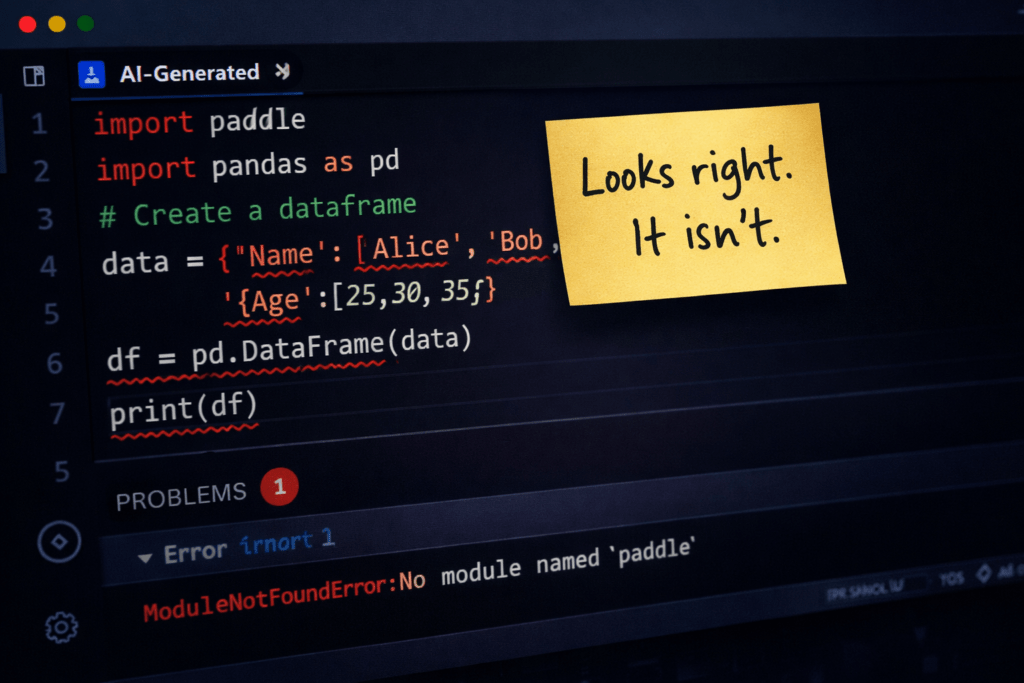
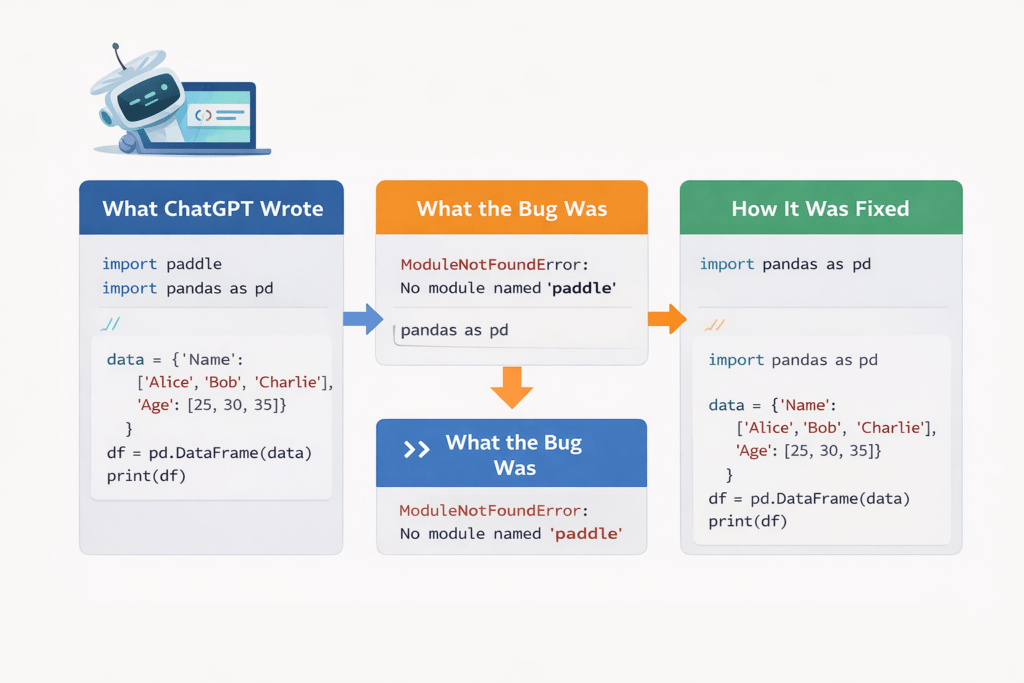
One of the first and most jarring ChatGPT Python code errors you will encounter is an import that simply does not exist. ChatGPT confidently suggested a library called dataframe_utils with a method called auto_clean(). Sounds plausible but that library is not on PyPI.
The error you would see:
ModuleNotFoundError: No module named ‘dataframe_utils’
This is one of the most dangerous ChatGPT Python code errors because it wastes time chasing a phantom. Developers sometimes install unrelated or even malicious packages with similar names – a real supply-chain security concern.
Fix: Always verify any imported library on pypi.org before using it. Prefer well-known packages like pandas, numpy, or requests, and prompt ChatGPT to use only standard or widely adopted libraries.
2. Outdated Syntax: Code Written for a Python Version You Are Not Running
Python has evolved significantly from 2.x to 3.x, and even across 3.8 to 3.12. ChatGPT Python code errors often arise from mixed-version syntax — using print as a statement, old-style string formatting, or deprecated methods that no longer exist.
A classic example: ChatGPT generated this for a dictionary merge:
merged = dict1.update(dict2) # Returns None, not a merged dict!This code runs without errors but silently returns None — a subtle logic bug. The correct Python 3.9+ approach is {**dict1, **dict2} or dict1 | dict2.
Fix: Always specify your Python version in your ChatGPT prompt — for example: ‘Generate Python 3.11 code for…’ This one habit eliminates a large share of version-related ChatGPT Python code errors immediately.
3. Missing Edge Case Handling: Code That Works Until It Doesn’t
ChatGPT excels at writing the happy path. Edge cases are where ChatGPT Python code errors silently emerge. When asked to write a function calculating user age from a birthdate, the generated code worked perfectly — unless the user had not yet reached their birthday that year, returning an age off by one.
The function used datetime.now().year – birth_year with no check for whether the current month or day had passed the birth month or day. For a production app with age gates, this produced incorrect results for a sizeable portion of users.
Other common edge-case ChatGPT Python code errors include:
- No handling for empty lists or None inputs in functions that iterate over data
- Division operations without zero-denominator checks
- File-reading functions that do not handle missing files or encoding mismatches
- API call wrappers with no timeout or retry logic
Fix: After receiving code from ChatGPT, explicitly ask: ‘What edge cases does this code not handle?’ Then request it to add that handling. Write unit tests using pytest to stress-test the output against real-world inputs.
4. Security Vulnerabilities Hidden in Plain Sight
One of the most alarming categories of ChatGPT Python code errors is not a crash — it is a security hole. A login validation function generated by ChatGPT once compared plain-text passwords using == instead of using bcrypt with salt-based hashing. The code worked. Users could log in. But every password was vulnerable.
Another common example: SQL queries built with f-strings directly from user input — a textbook SQL injection vulnerability:
query = f"SELECT * FROM users WHERE username = '{username}'" # Vulnerable!Fix: For authentication, data storage, or database interaction code, prompt: ‘Write this following OWASP security best practices for Python.’ Use Bandit (pip install bandit) to automatically scan for security-related ChatGPT Python code errors.
5. Logic Errors That Compile and Run – Incorrectly
The most insidious of all ChatGPT Python code errors are the ones that raise no exceptions. The code runs. It produces output. The output is just wrong.
A data analysis script meant to calculate a rolling 7-day average used a window of 7 but set min_periods=1 — meaning the first six days were averaged over fewer data points without warning. The result was systematically incorrect for the most important period of the dataset, and the developer only discovered this weeks later.
These logic errors are hardest to catch because no alarm sounds. You only find them when you cross-reference output against known correct values, a step many developers skip when trusting AI-generated code.
Fix: Treat ChatGPT-generated Python code the way you would treat code from a junior developer: readable and mostly right, but always needing review. Validate outputs against known benchmarks and add assertions to your tests.
6. Deprecated Functions and Methods
Python’s standard library and major packages evolve quickly. Because ChatGPT’s training data has a cutoff date, it can suggest deprecated methods that produce DeprecationWarning or fail outright in modern environments. These are particularly frustrating ChatGPT Python code errors because the code looks completely legitimate.
Common deprecated patterns that surface in modern Python setups:
- Using collections.Callable instead of collections.abc.Callable — removed in Python 3.10
- Using the asyncio.coroutine decorator — removed in Python 3.11
- Using distutils — deprecated in 3.10, fully removed in 3.12
- Outdated sklearn API signatures in newer scikit-learn versions
Fix: Run your code with -W error::DeprecationWarning during development to surface these ChatGPT Python code errors early. Check official Python release notes and library changelogs when working on green-field projects.
7. Performance Problems: Works at Small Scale, Fails at Large Scale
ChatGPT optimises for readability and correctness, not performance. One of the most costly ChatGPT Python code errors in production is code that runs fine during testing but grinds to a halt on real data volumes.
A typical example is nested loops for tasks that should use vectorised NumPy or Pandas operations. ChatGPT writes a correct O(n2) loop where a .merge() or .apply() would handle the same task in O(n log n) – a difference of minutes versus hours on large datasets.
Fix: Profile AI-generated Python code using cProfile or line_profiler before deploying. Prompt ChatGPT explicitly: ‘Rewrite this function optimised for large datasets using Pandas vectorisation.’ Always test with production-scale data volumes before shipping.
Conclusion: Use ChatGPT as a Copilot, Not an Auto-pilot
ChatGPT is a powerful productivity accelerator for Python developers. But treating it as an infallible code generator is where teams encounter serious trouble. Understanding the most common ChatGPT Python code errors, from hallucinated imports and deprecated syntax to silent logic bugs and security vulnerabilities, puts you back in control of your codebase.
The right workflow is collaborative: let ChatGPT draft the scaffolding, then apply your developer judgment to review, test, and harden the output. Use it to move faster not to skip thinking.
The bottom line: ChatGPT Python code errors are not a reason to avoid AI tools. They are a reason to use them wisely. With the right review habits in place, you get the speed of AI and the reliability of a seasoned engineer – the best of both worlds. For more interesting and informative blogs please visit Newtum.
Quick Reference: ChatGPT Python Code Errors & Fixes
| Error Type | What Goes Wrong | Quick Fix |
| Hallucinated Library | Import fails at runtime | Verify on pypi.org first |
| Outdated Syntax | SyntaxError or wrong output | Specify Python version in prompt |
| Missing Edge Cases | Crashes on real-world data | Request edge case handling |
| Security Holes | Vulnerabilities in production | Use Bandit; ask for OWASP code |
| Logic Errors | Wrong output, no exception | Test against known values |
| Deprecated APIs | DeprecationWarning or crash | Run with -W error flag |
| Performance Issues | Slow on large datasets | Profile with cProfile |
About The Author